





For distributors and service teams identifying M80 components
MUBOTA M80 Parts Identification
Identify M80 Power Tiller Spare Parts with Evidence.
A reliable M80 power tiller spare-parts enquiry starts with the installed system, machine configuration and visible component evidence. Add complete photos, markings and measurements before asking the technical team to check price or availability.
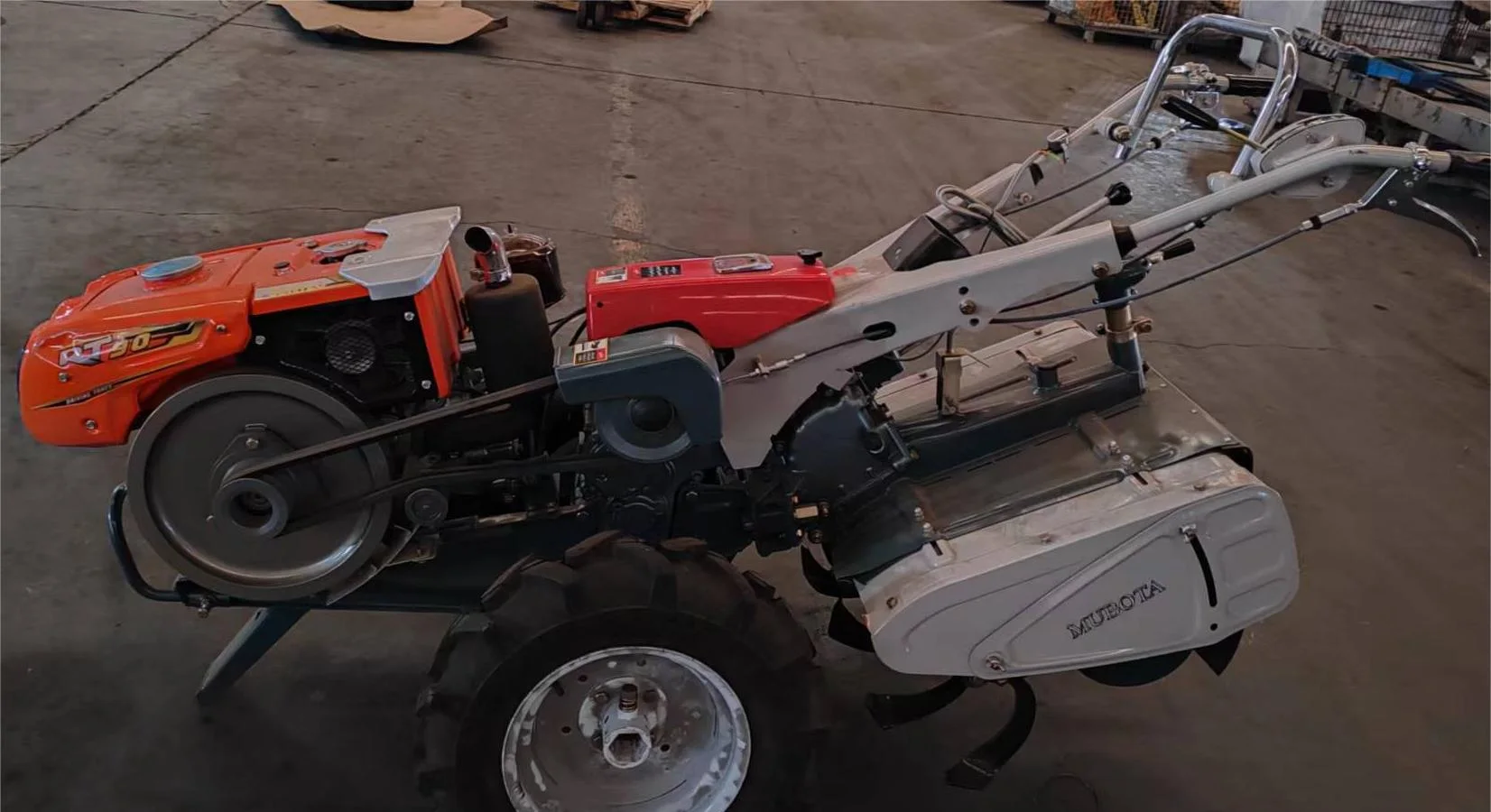
Use external references carefully
A K75 Reference Can Help Describe a Part—It Does Not Replace Verification.
A K75 description, part number or photo can provide a useful identification clue. It must still be checked against the actual M80 configuration, installed position and visible component details before any part, price or availability is discussed.
Kubota is a trademark of Kubota Corporation. It is mentioned only as an identification reference; SUNTEC claims no affiliation with, authorisation from or endorsement by Kubota Corporation. Identification and supply are confirmed item by item.Start at the installed system
Show Where the Part Works Before Comparing Its Shape.
Begin with a wider view of the installed location, then compare the complete profile, connections, markings and dimensions. These reference views help organise evidence when a confirmed drawing or part number is unavailable.
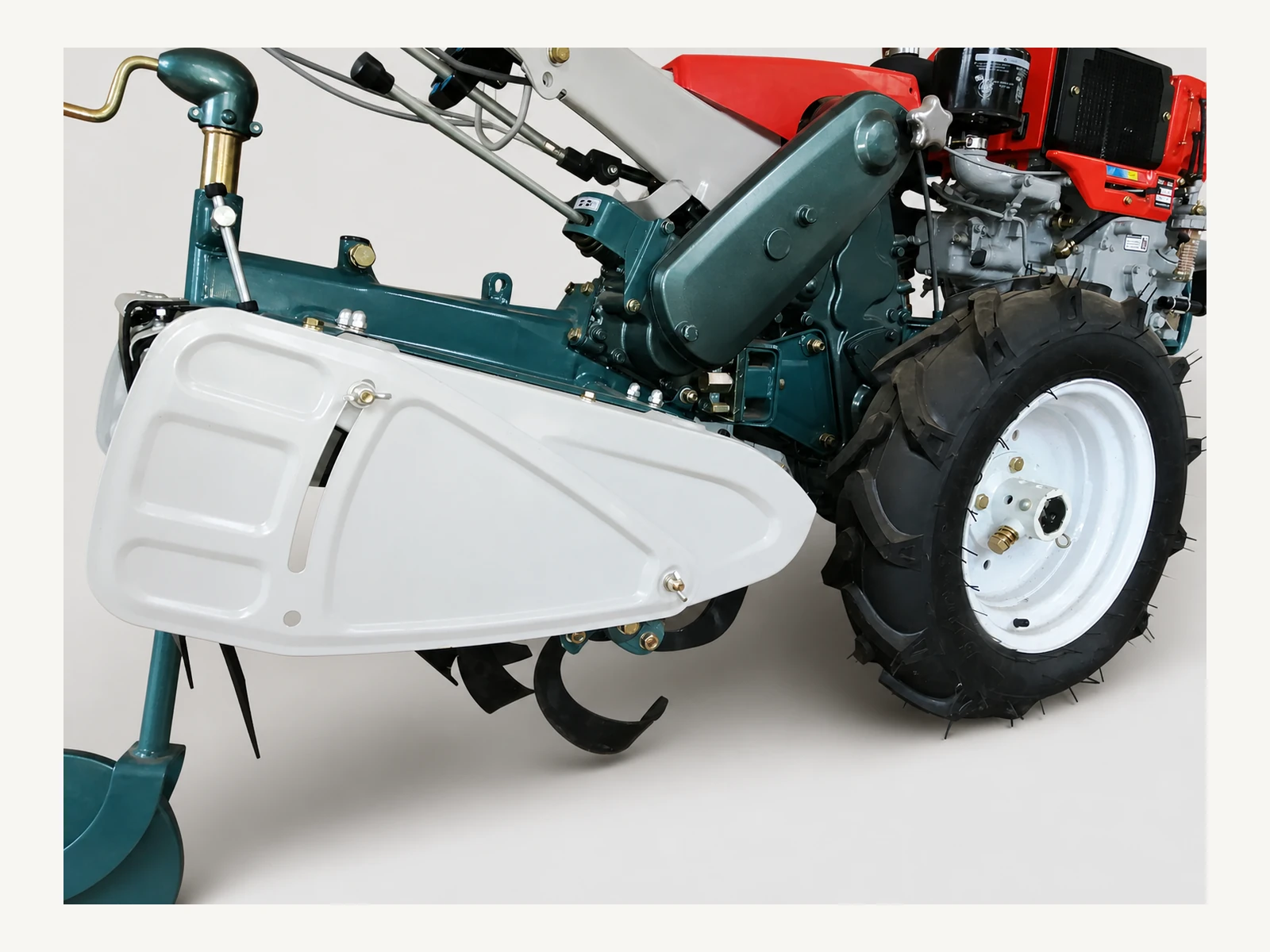
Clutch / drive reference
Drivetrain and controls
Use this wider view to locate clutch, pulley, cable, shaft and rotary-side controls before photographing the required component.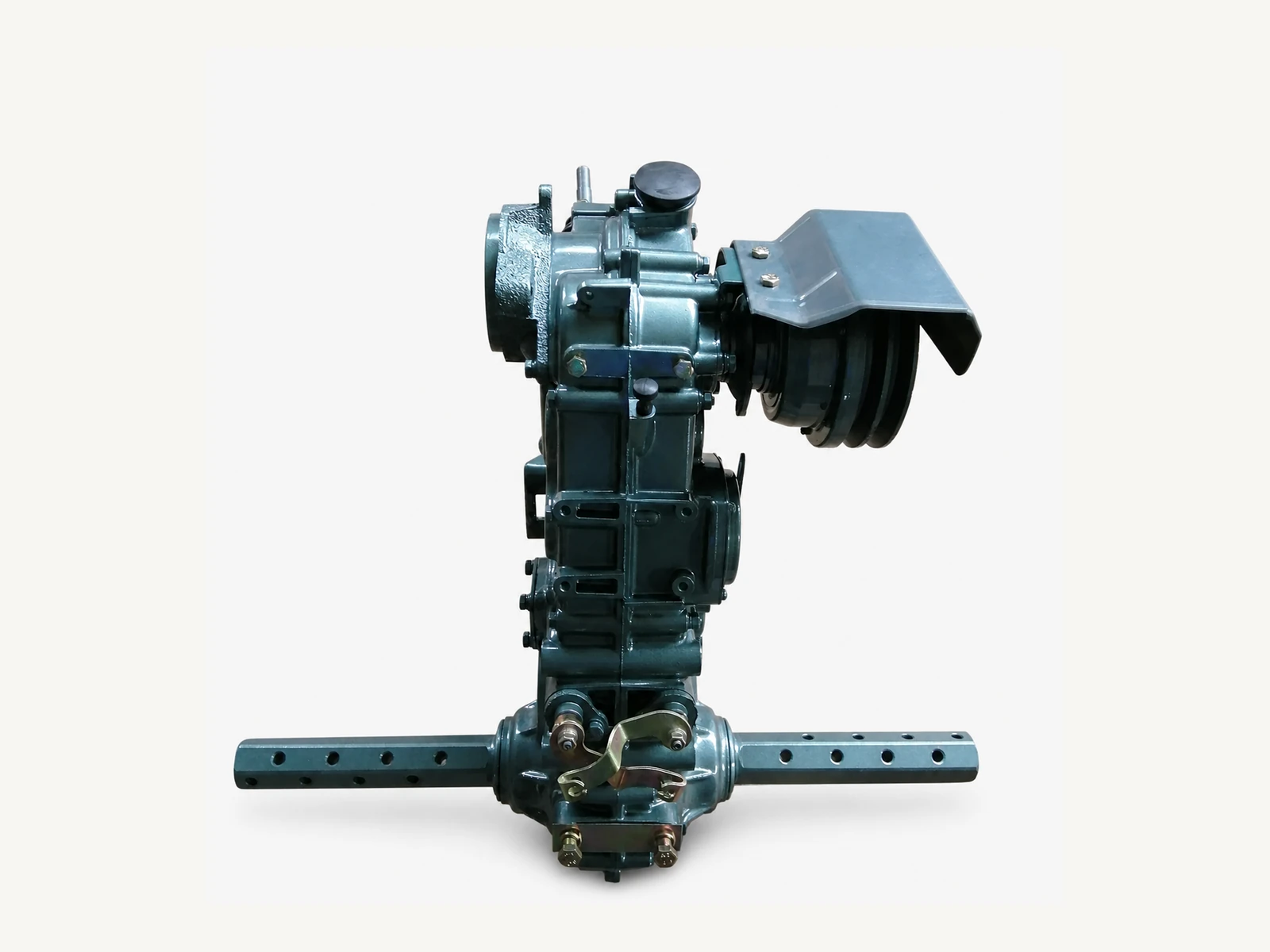
Transmission reference
Gearbox assembly
Identify the housing orientation and installed position before narrowing the request to a gearbox, axle, gear, bearing or oil seal.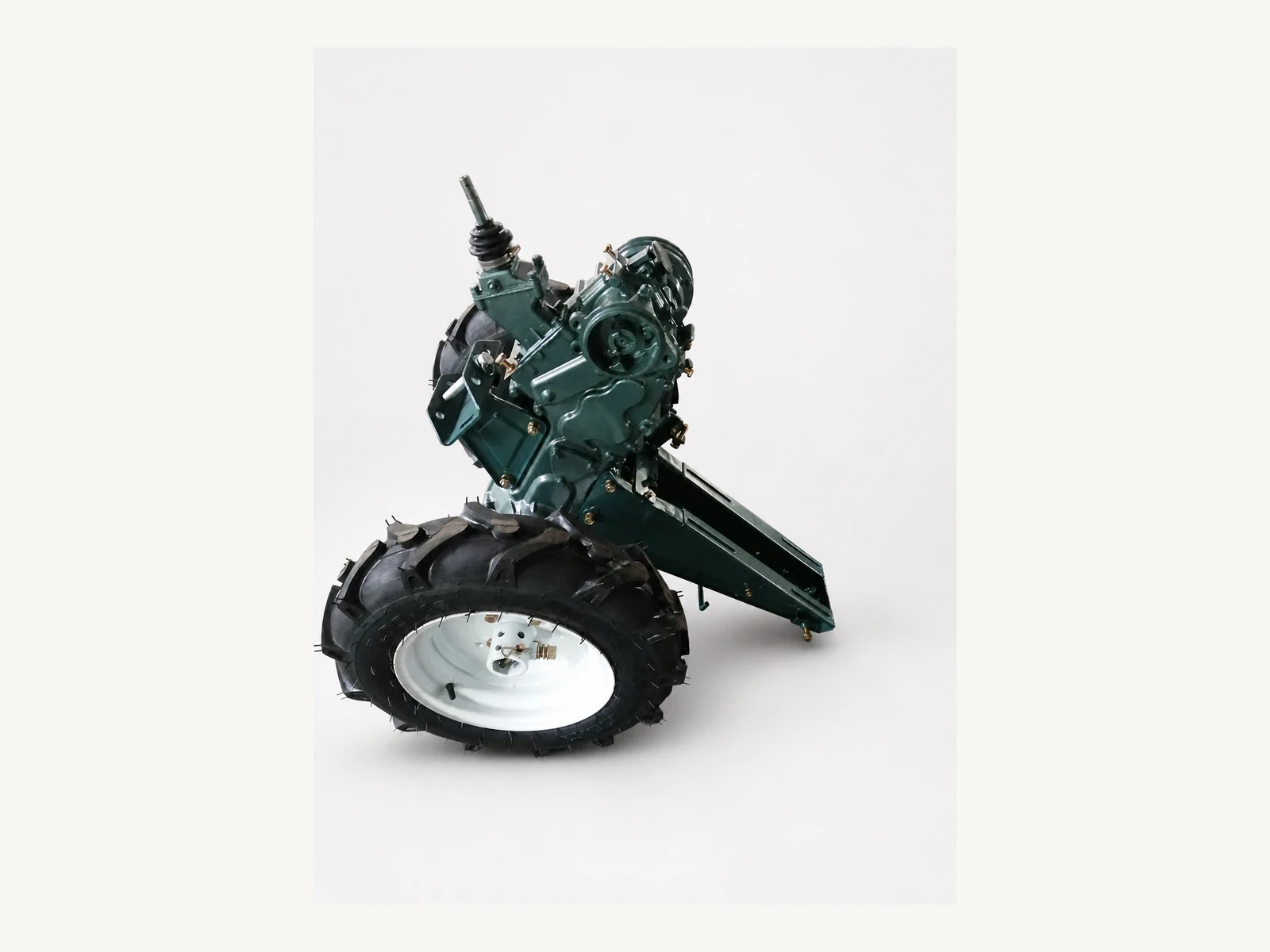
Hardware reference
Rear hitch frame
Show the hitch frame, connected implement and mounting side when identifying a pin, bush or connection-hardware item.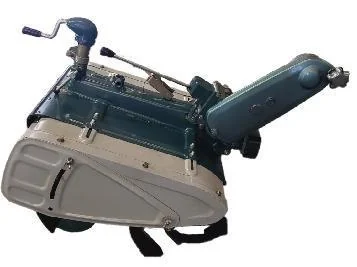
Implement reference
Rotary cultivator
Confirm whether the machine uses the 480 or 600 mm rotary arrangement before identifying blades, chain-case parts, shafts or mounting hardware.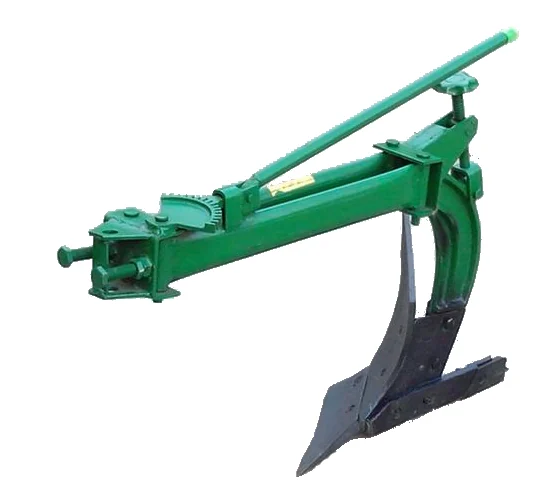
Implement reference
Single-furrow plough
Use the complete plough and hitch view to distinguish implement hardware from parts belonging to the tractor or another attachment.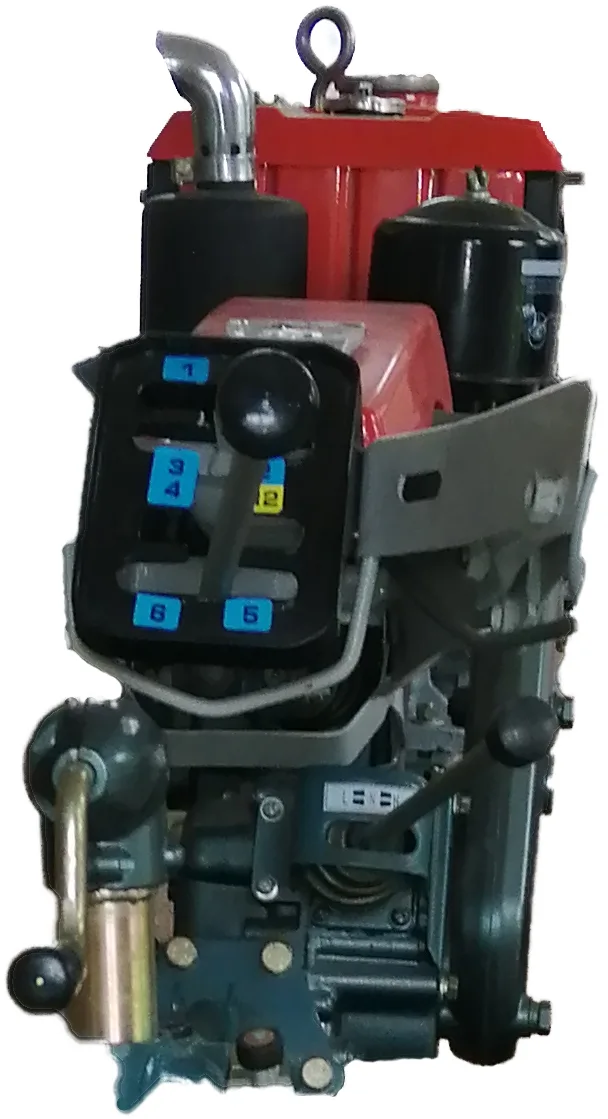
Control reference
Gear selector
Show the selector position, linkage route and both cable ends so the control item can be matched to its operating path.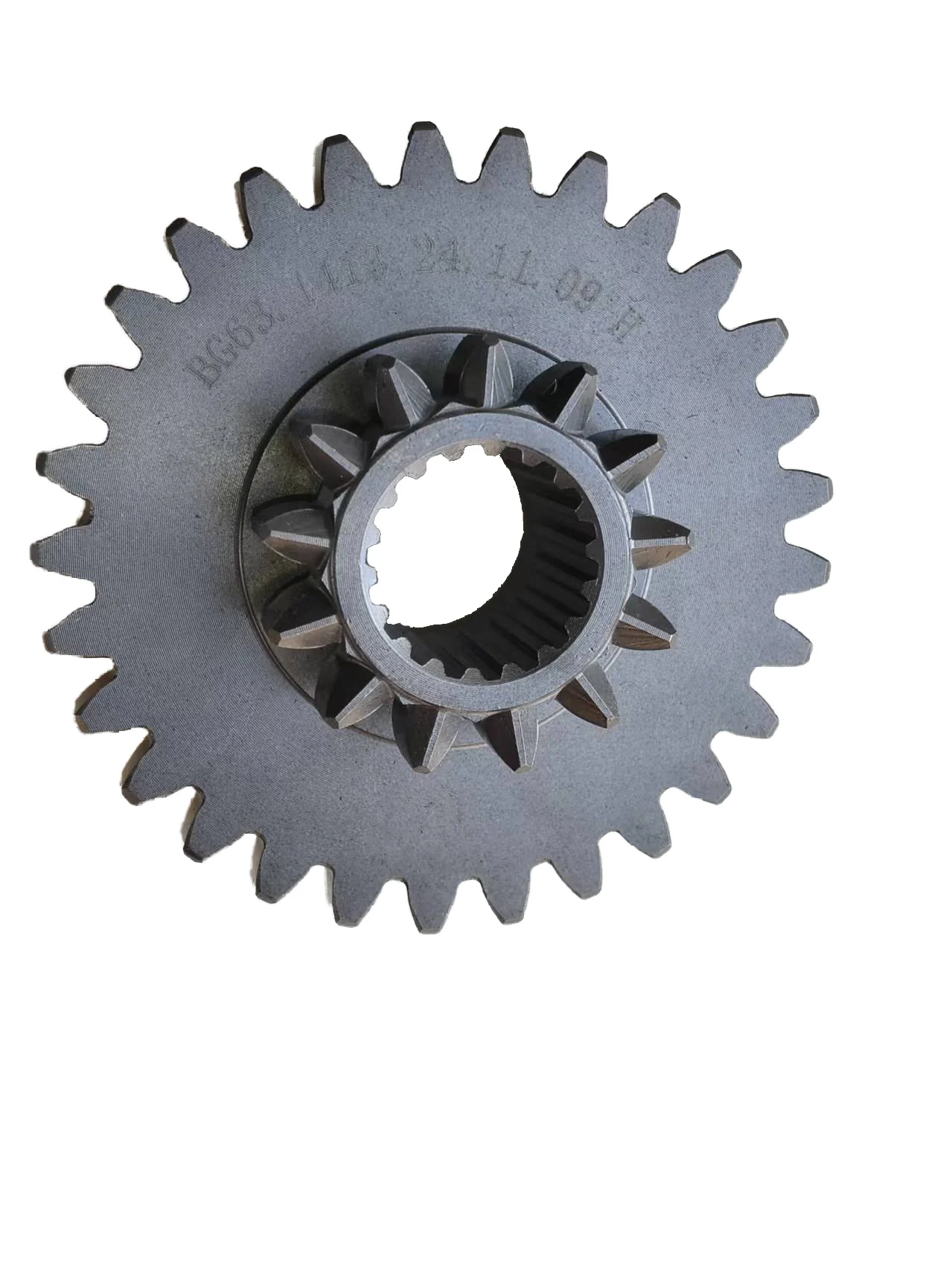
Gear reference
Transmission gear
Record the tooth count, bore, keyway or spline and overall profile before comparing the gear with a K75 reference.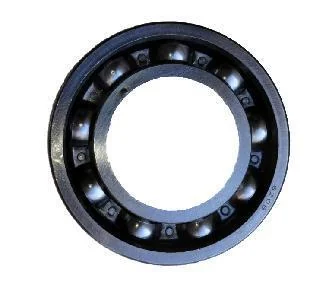
Rotating-part reference
Bearing
Because bearings occur in several systems, provide the installed location, visible marking and dimensions where available.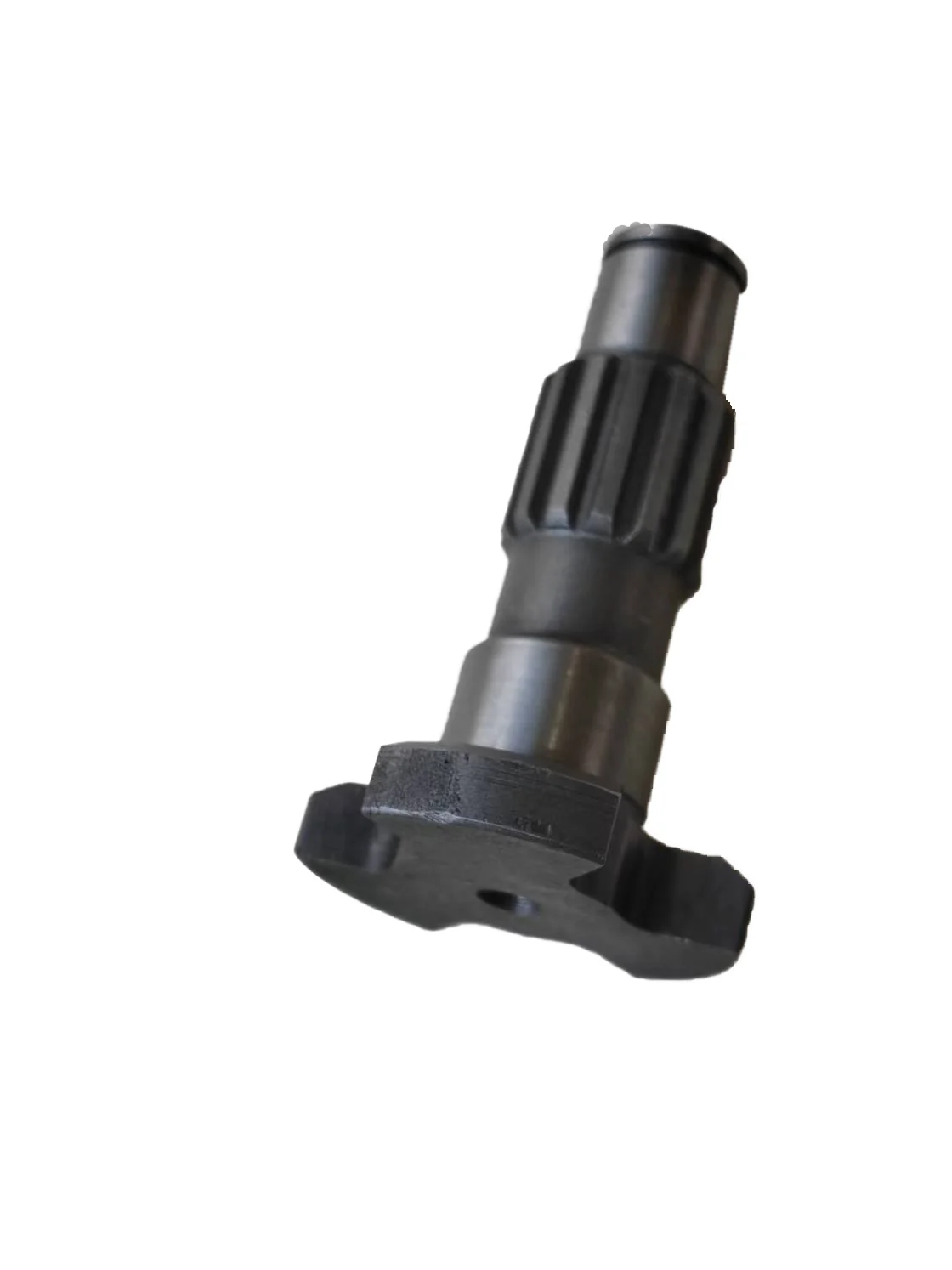
Shaft reference
Shaft profiles
Photograph the full length, spline profile, shoulders and both ends, then show where the shaft sits in the assembly.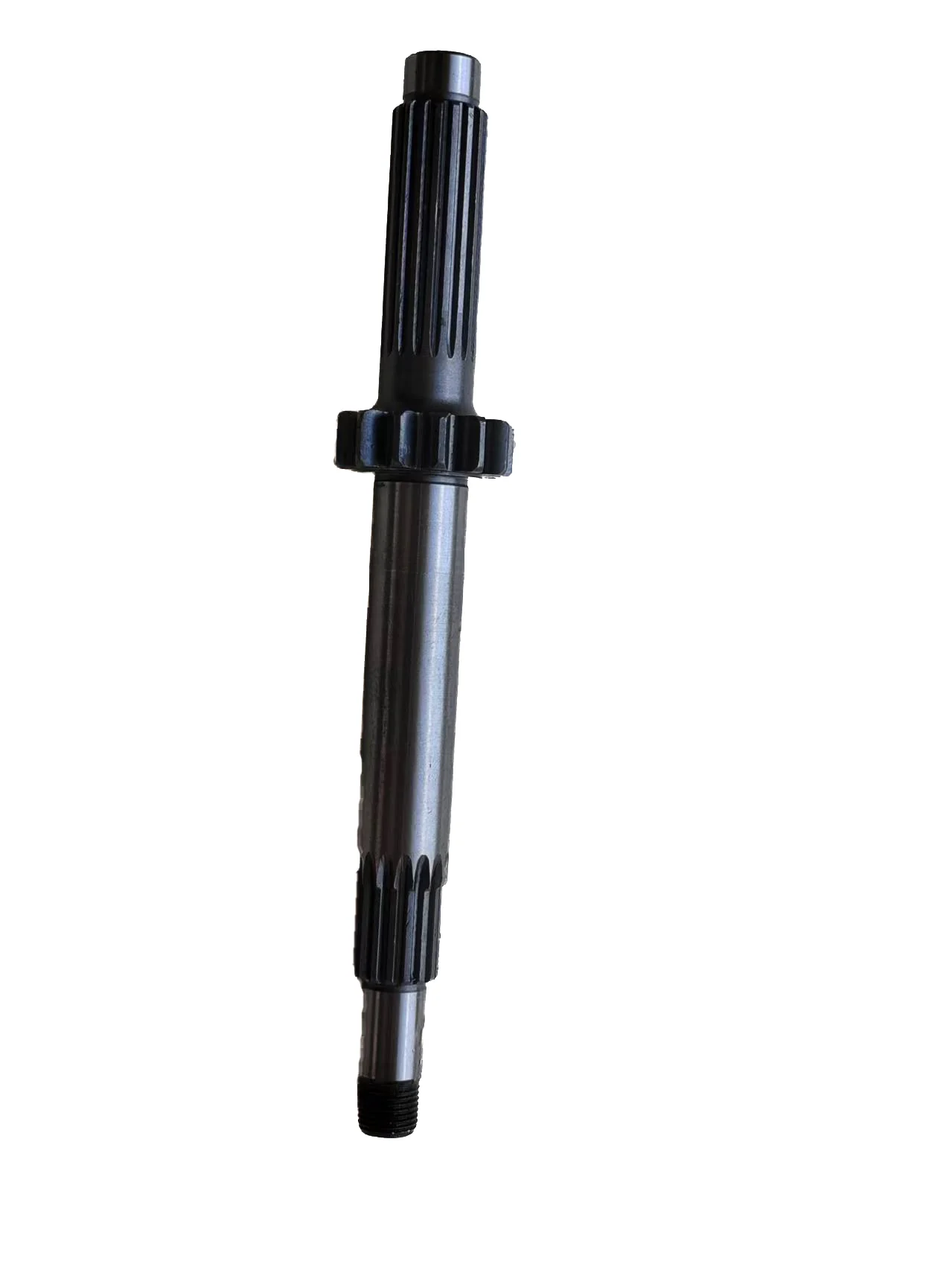
Shaft reference
Stepped shaft
Distinguish this stepped shaft by its full profile, length, end details and the gear or bearing that mates with it.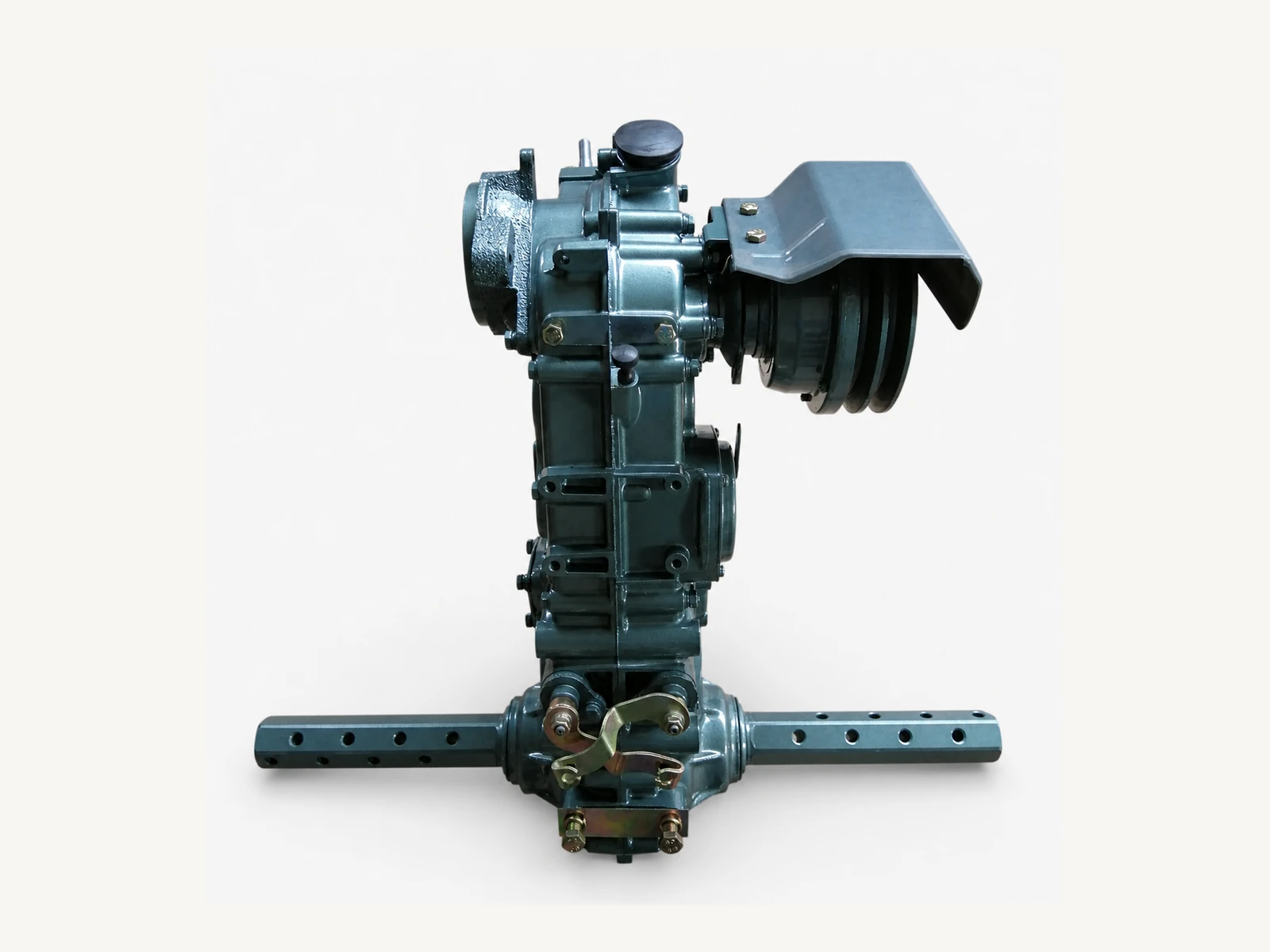
Supplementary assembly photo
Actual gearbox and axle
Use the complete assembly to distinguish the housing orientation, belt-side cover, axle bar and implement-side mounting points.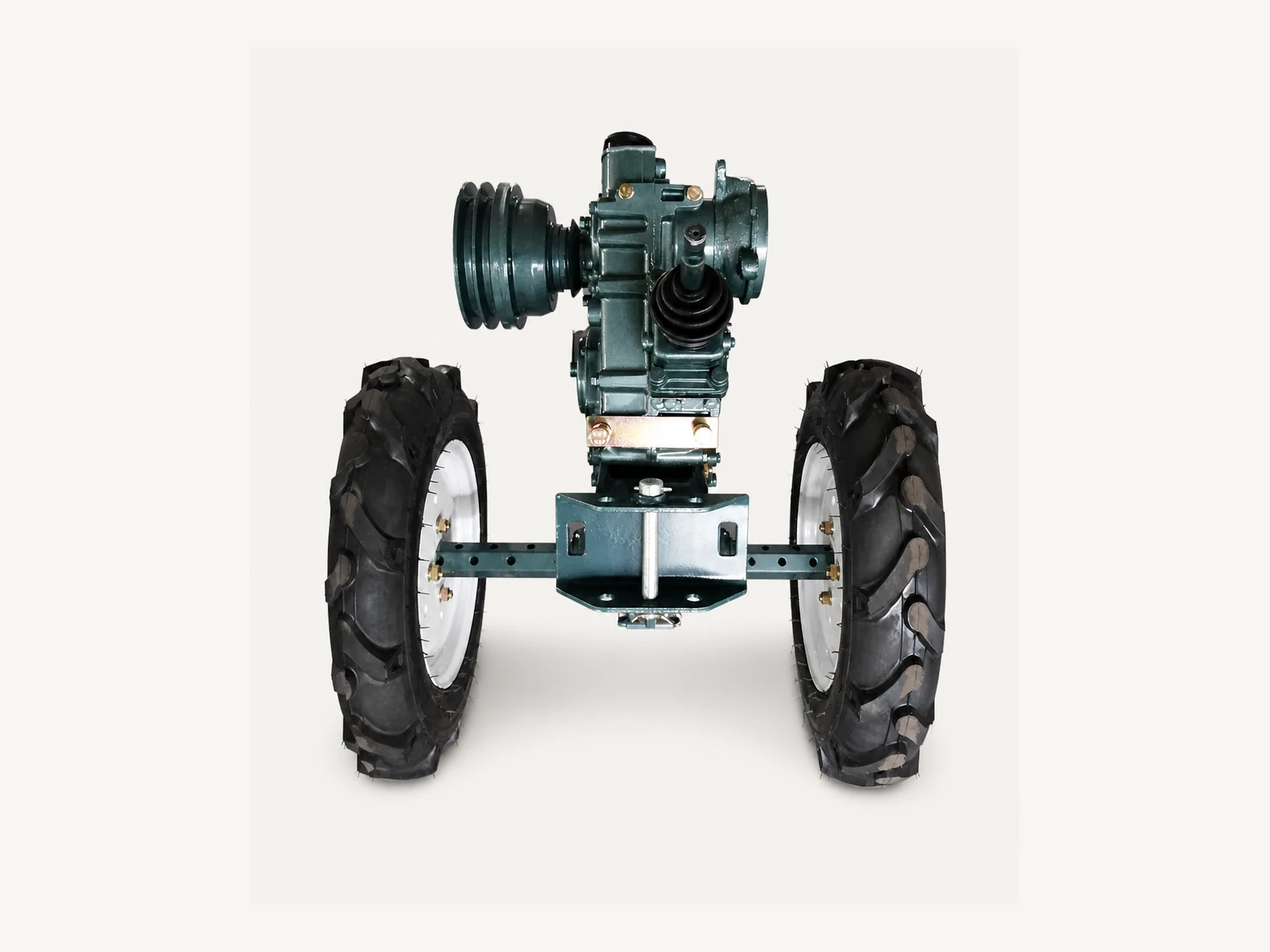
Supplementary attachment photo
Actual wheel and hitch frame
Show the wheel setting and complete frame before narrowing the request to an axle, hitch pin, bush or mating-hardware item.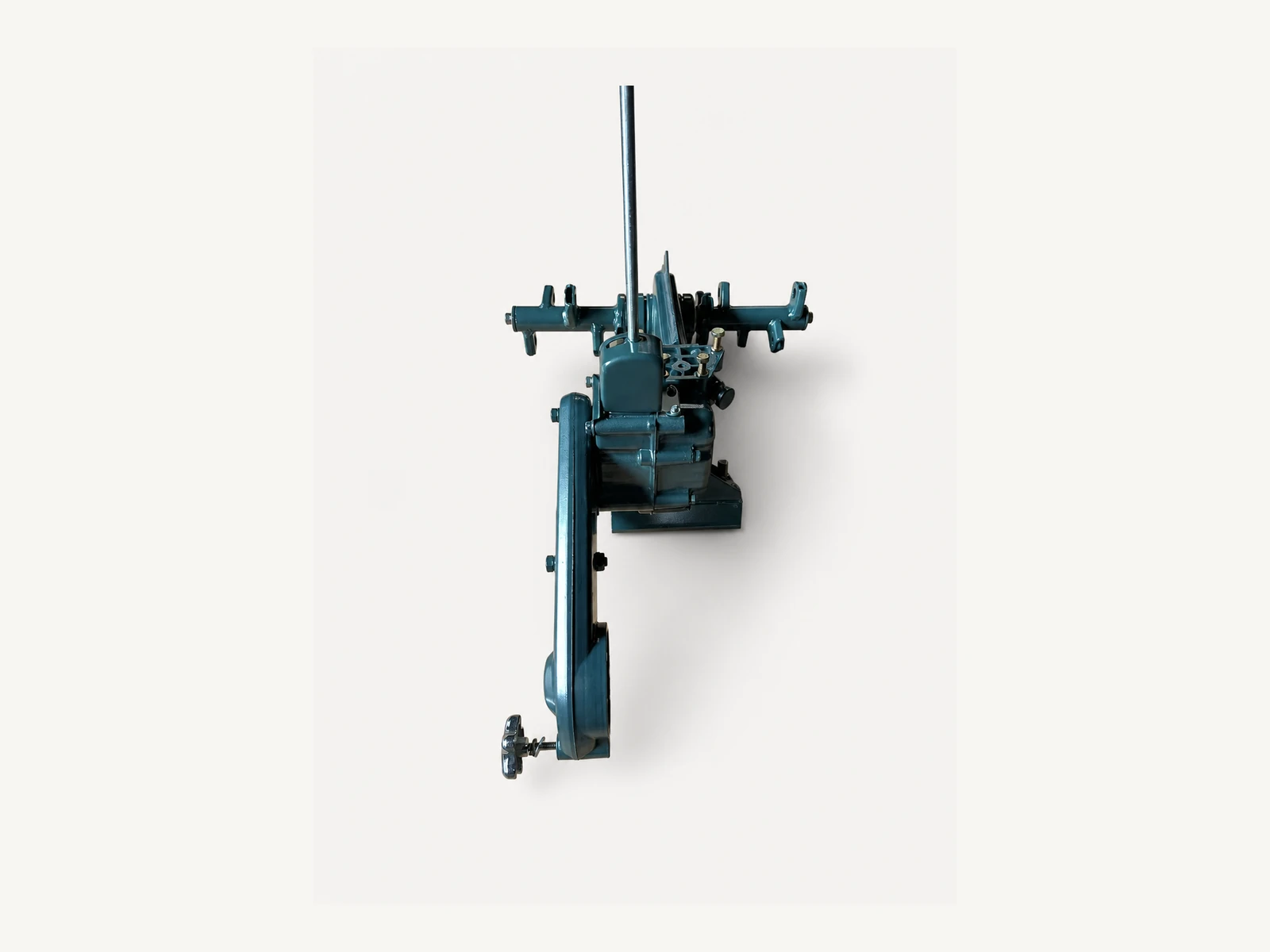
Supplementary implement photo
Rotary attachment gearbox
Use the complete rotary assembly to identify whether the request concerns its gearbox, shaft line, bracket group or mounting interface.Make the system the first filter
A Generic Part Name Is Not Yet an Identified Part.
A name such as ‘gear’, ‘bearing’, ‘shaft’ or ‘cable’ rarely supports a reliable match. Start with the system, then add installed position, geometry, markings and measurements.
Clutch and transmission
Clutch plates, clutch pulley, gears, bearings, oil seals, selector parts and drive shaftsProvide the installed position, complete component photo, tooth or spline details, markings and any K75 reference for the exact drivetrain item.
Rotary tiller drive
Rotary shaft, chain case, drive chain, sprockets, blades, blade bolts and sealsState whether the machine uses the 480 or 600 mm arrangement, then show the blade setup, chain-case side and mounting position.
Controls and cables
Gear selector, accelerator cable, main/side cables, levers, supports and handle fittingsShow the selector or lever position, full cable route and both connection ends so similar control parts can be distinguished.
Wheel and hitch hardware
Gearbox axle, axle pins, hubs, wheel hardware, hitch pin, bush and mating hardwareInclude the wheel-tread setting, mounting side, connected implement and mating part when requesting wheel or hitch hardware.
Give the technical team something to verify
Evidence Turns a Parts Enquiry into a Checkable Request.
The objective is to identify one specific component against one actual M80 configuration before price, availability and packing are discussed. Follow these three steps to reduce repeated clarification and mismatch risk.
- 01
Identify the machine configuration
Confirm MUBOTA M80, the engine and working setup, 480 or 600 mm rotary arrangement where relevant, and any serial or production identification available.
- 02
Document the part and installed position
Send one wider machine or assembly view, clear photos of the complete removed part, markings, measurements, teeth or splines, and any K75 description or part number available.
- 03
Confirm the commercial request
State the quantity for each item, destination country and preferred packing so the checked parts list and quotation scope can be prepared.
Ready to submit the evidence?
Send the M80 Setup and the Part Record Together.
Include the machine setup, installed system, wider location photo, complete part views, markings or dimensions, quantity, destination and packing request. SUNTEC will use that record to check the item before issuing a quotation.
Review your parts request
The website form does not attach photos. Send the part and installed-position photos separately by email or WhatsApp, using the same contact name or email as your RFQ.
Part identification and supply are confirmed for each requested item. Final price, availability, packing and commercial terms appear only in the quotation.